
In-store manual reading
Reading long labels in the aisle and looking for several different ingredient names.
SaliCheck screens ingredient lists only. It is not a medical device and does not confirm product safety. Always verify with your pharmacist or allergy specialist.
Tired of checking long ingredient lists for salicylates? SaliCheck helps you screen cosmetics and personal-care products using a barcode or a photo of the label. See which ingredients are flagged, understand what was checked, and verify the information against the product in your hand.
For cosmetics and personal-care products. Not for medicines or foods.
Screenshot from the SaliCheck app.
Long ingredient lists can make choosing personal-care products feel like homework. Salicylates appear under several different ingredient names, and product formulas change. Checking product ingredients can involve reading packaging, looking up unfamiliar terms, consulting reference materials, or choosing familiar products.
Qualitative examples of ways people check product ingredients — not survey findings or measures of how common each experience is.
In-store manual reading
Reading long labels in the aisle and looking for several different ingredient names.
Researching at home
Looking up unfamiliar ingredients and comparing product lists before shopping.
Consulting reference materials
Looking up ingredient terms in reference materials alongside the label in hand.
Cautious avoidance
Sticking with familiar products or setting a new one aside when checking feels too time-consuming.
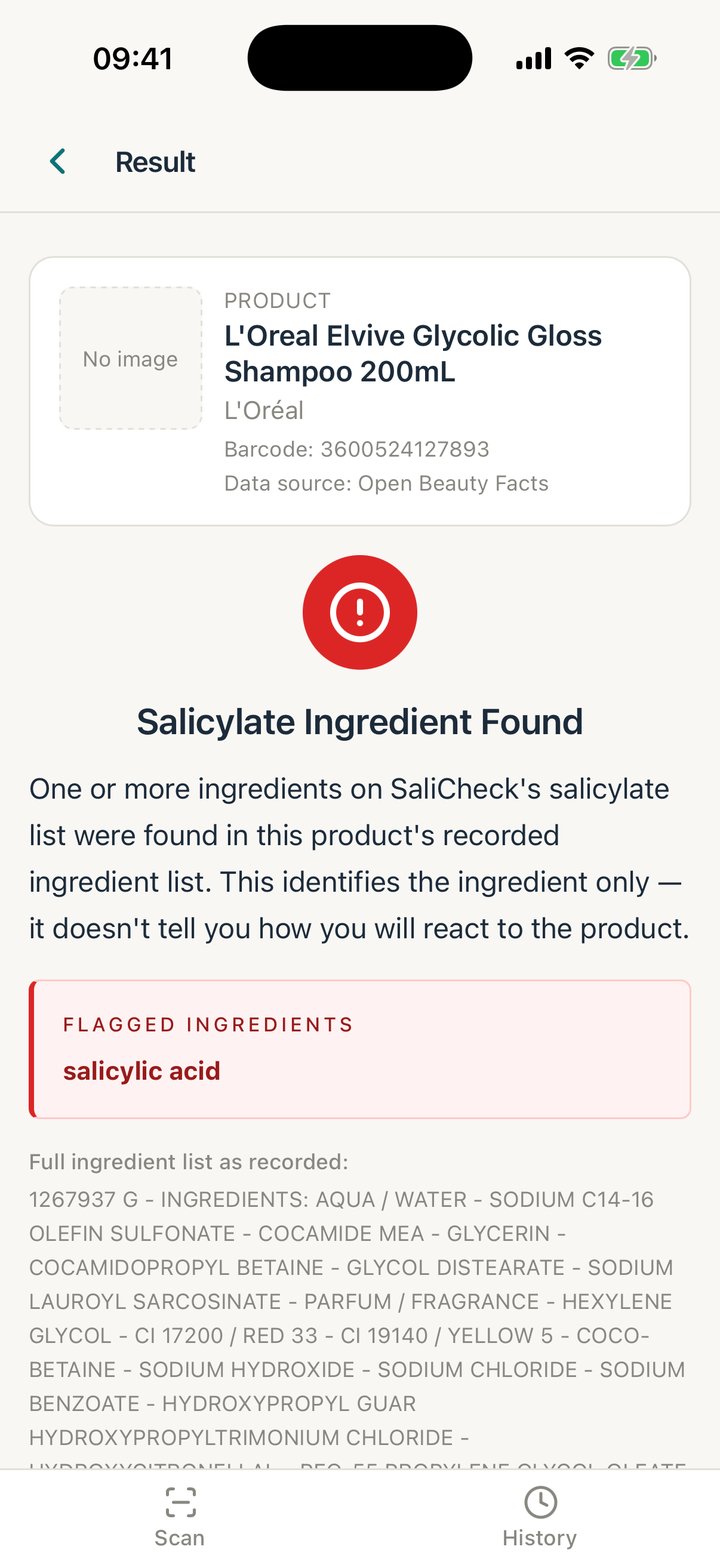
Screenshots from the SaliCheck iPhone app. Every result states what was checked, and what it does not prove.
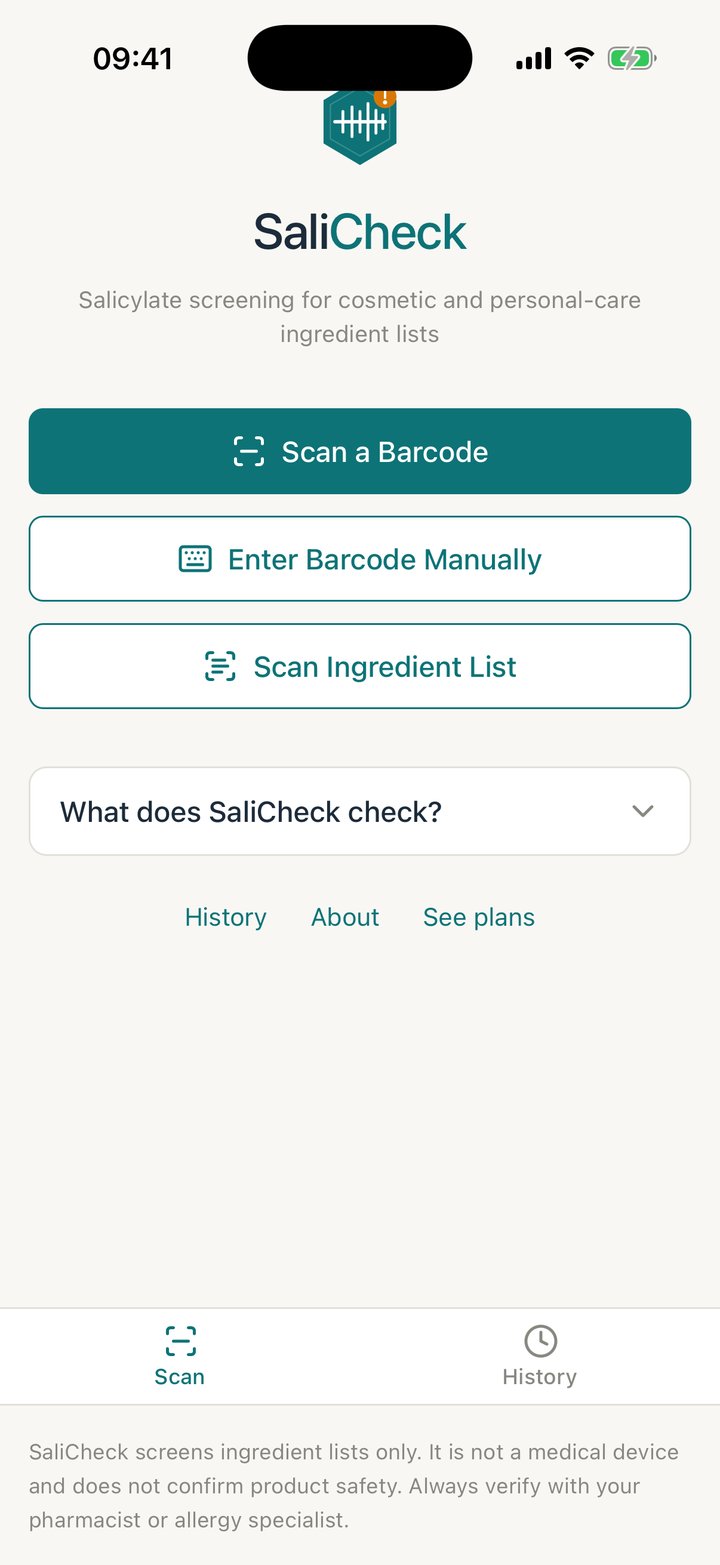
Scan a barcode, enter it manually, or photograph or type the ingredient list.
The flagged ingredient is named, with the ingredient list that was checked.
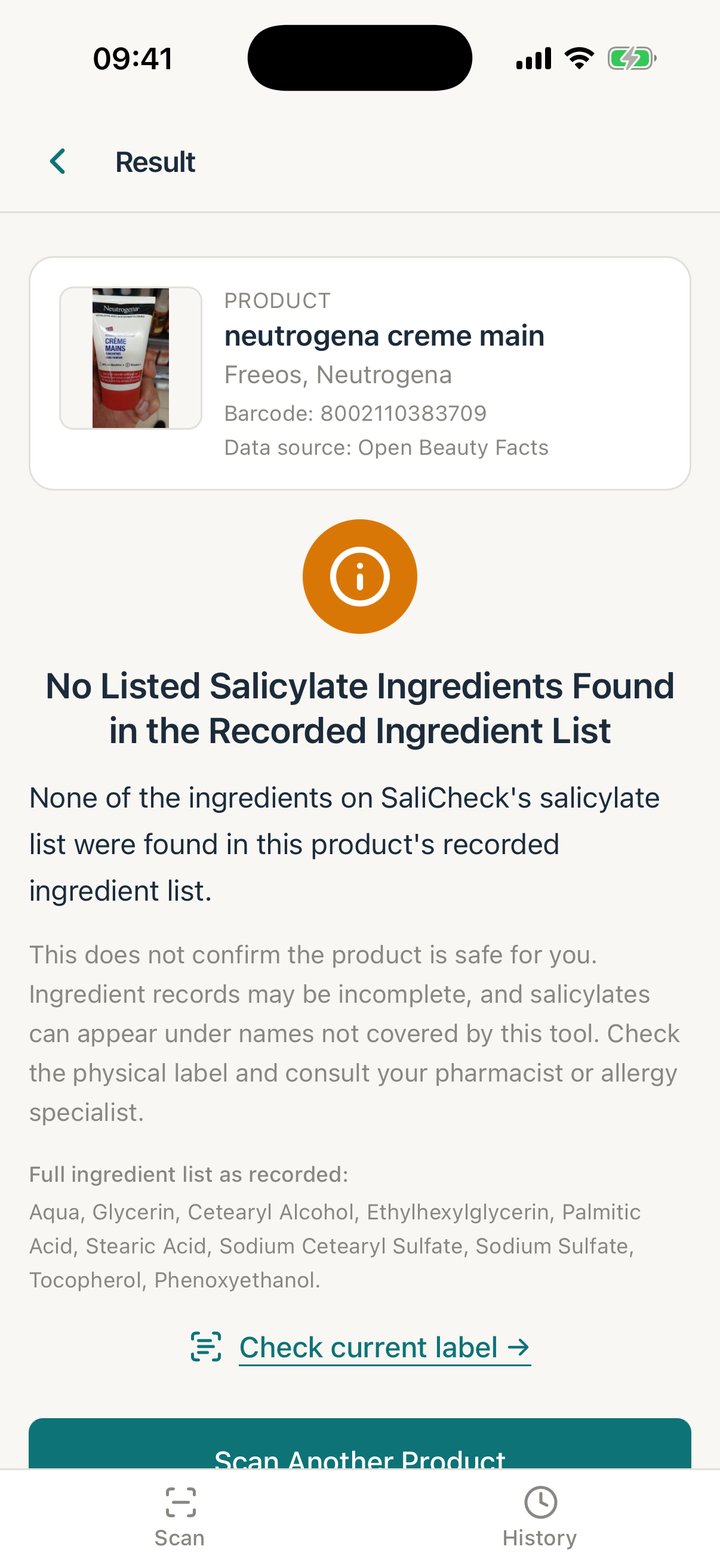
Amber, never a green 'safe' — and the result says what it does not confirm.
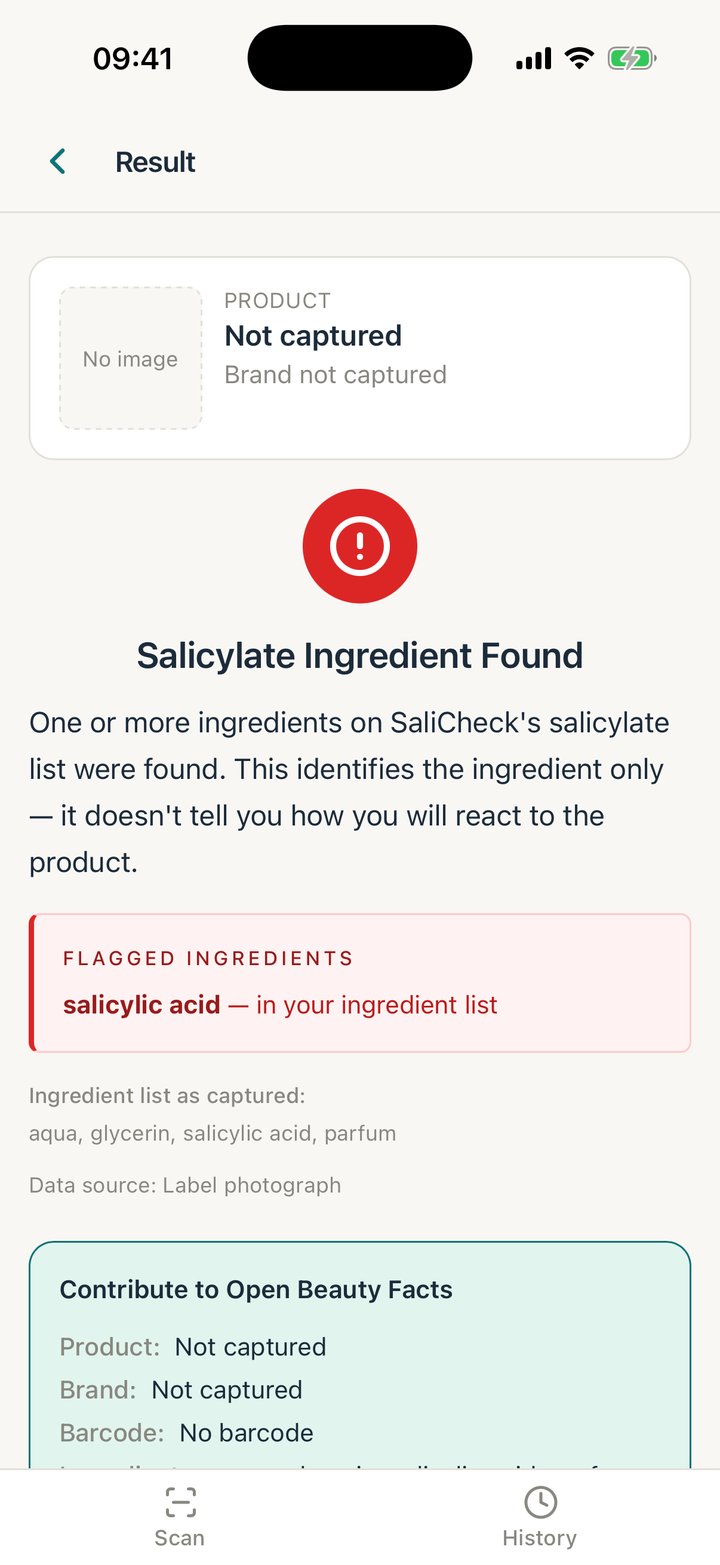
Photograph or type the list from the pack and it is checked the same way.
01
Scan a barcode to use the recorded ingredient list, or photograph or type the ingredient list from your cosmetic or personal-care product's packaging.
02
Review the recognized text and any flagged ingredients. Each result says whether it checked the recorded list or text from your photo. SaliCheck highlights uncertainty, disagreements between the database and your photo, or a photo that may not show the whole list.
03
Compare the text and result with the complete ingredient list on the physical label before making personal decisions. A flag identifies an ingredient, not how you will react; an amber result is not a guarantee that the product contains no salicylates.
SaliCheck checks for salicylic acid, its salts and esters, and a few plant ingredients with documented salicylate content. Every term is recorded with its source.
If you choose, you can contribute an ingredient list you have checked in the app to Open Beauty Facts, the open database SaliCheck uses — only after confirming it is the complete ingredient declaration on the pack. Nothing is submitted automatically. Contributions become public; see the Terms of Service for contribution and licence details.
Questions, problems or feedback: email support@salicheck.co.uk.
SaliCheck is not a medical device and does not give medical advice.